


【MCP Server】Google Search × Claude Desktop 連携ガイド | AI でデータを徹底活用

Model Context Protocol (MCP) is an emerging, open-source standard for connecting LLMs with external services and data sources. Through MCP Servers, AI clients can perform actions like opening Jira tickets, posting Slack messages, committing GitHub branches and more. With CData MCP Servers, these capabilities expand exponentially.
In this article, we guide the reader through installing the CData MCP Server for Google Search, configuring the connection to Google Search, and asking questions of the data in Claude Desktop.
Prerequisites
You need to download Claude Desktop (download) and create an account before continuing.
Overview
Here's a quick overview of the steps:
- Download and install the CData MCP Server for Google Search
- Configure the connection to Google Search
- Ask questions about the data in Claude Desktop
Step 1: Download and install the CData MCP Server
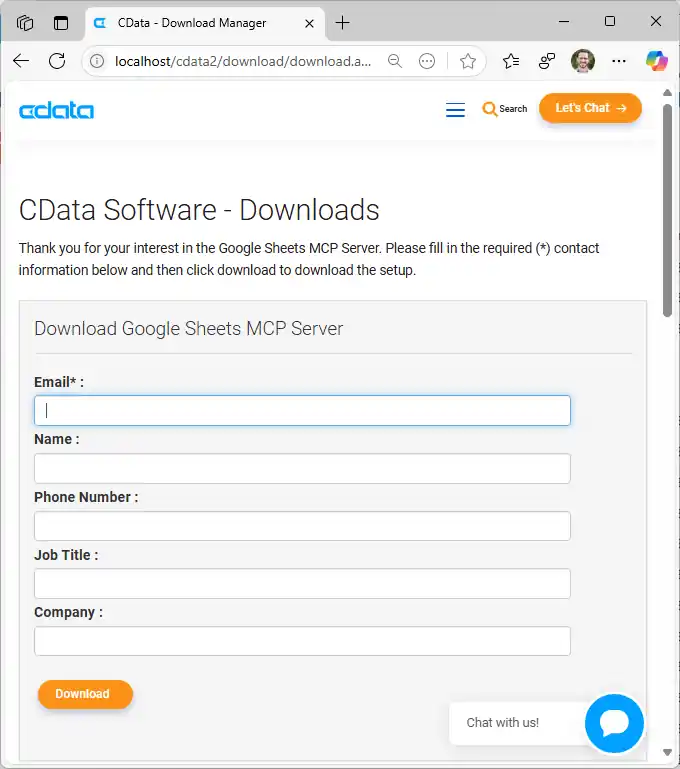
- To begin, navigate to https://www.cdata.com/solutions/mcp/connectors and download the CData MCP Server for Google Search.
- Find and double-click the installer to begin the installation.
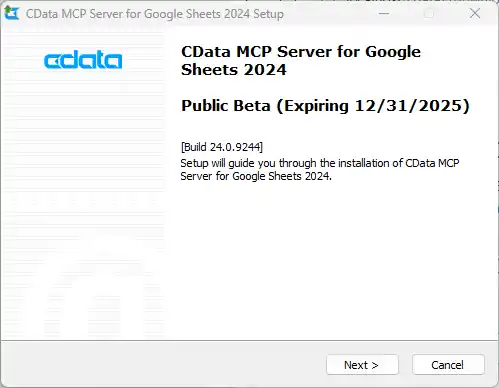
- Follow the prompts to complete the installation.
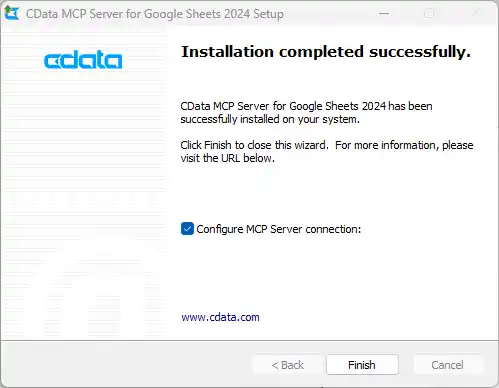
When the installation is complete, you are ready to configure your MCP Server by connecting to Google Search.
Step 2: Configure the connection to Google Search
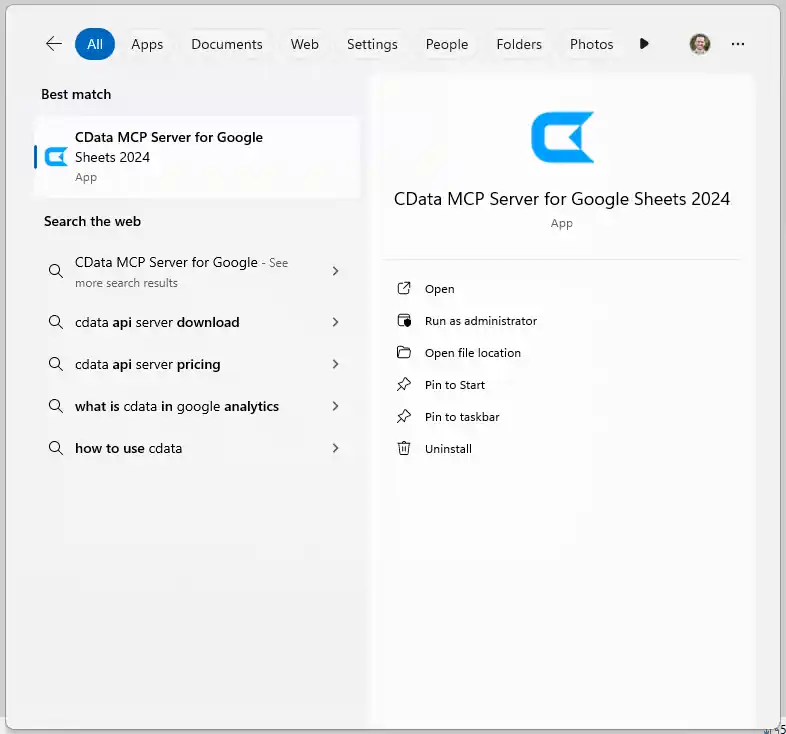
- After installation, the CData MCP Server configuration wizard should open automatically.
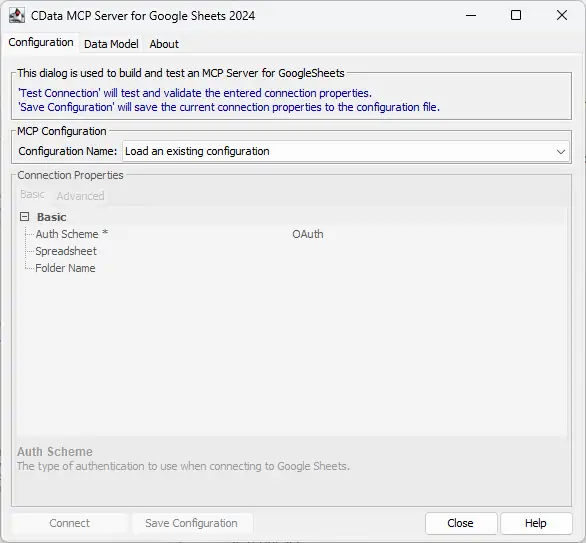
NOTE: If the wizard does not open automatically, search for "CData MCP Server" in the Windows search bar and double-click the application.
- Click the dropdown menu in MCP Configuration > Configuration Name and select "
" 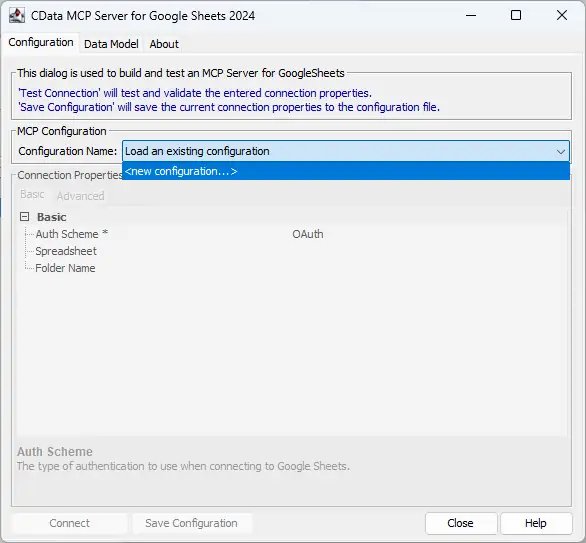
- Name the configuration (e.g. "cdatagooglesearch") and click "OK."
NOTE: This name is used as the name for the MCP server and as the prefix for all of the MCP Server's tools.

Connecting to Google Search
Google カスタム検索エンジンを使って検索するには、CustomSearchId およびAPIKey 接続プロパティが必要です。
CustomSearchId を取得するには、Google カスタム検索エンジンにサインインして検索エンジンを新規作成します。
APIKey を取得するには、Google API Console でカスタム検索API を有効にします。
Enter the appropriate connection properties in the configuration wizard.
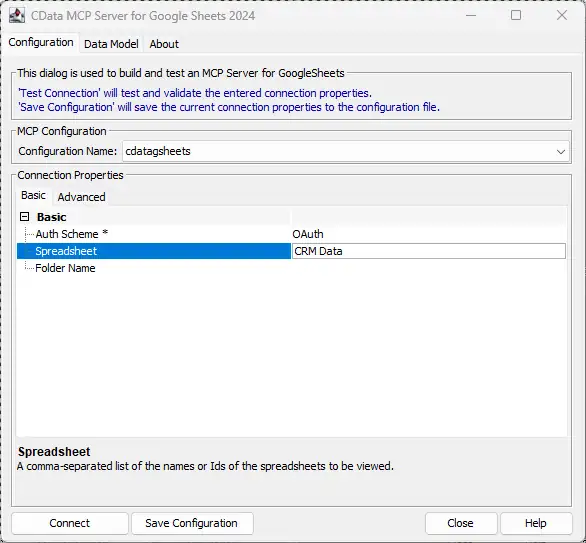
- Click "Connect" to authenticate with Google Search.
- Finally, click "Save Configuration" to save the MCP server.
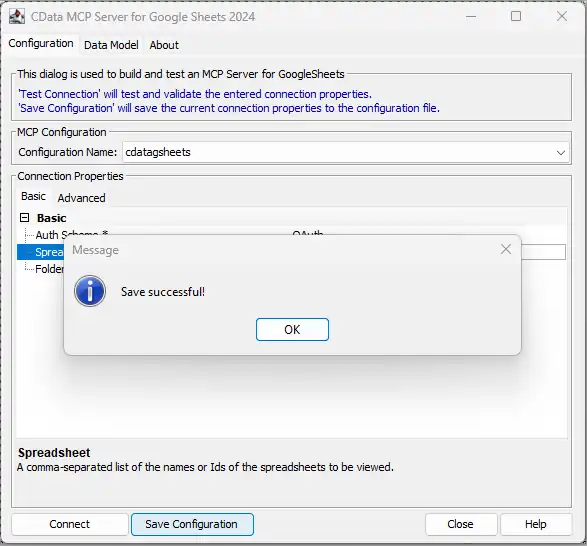
NOTE: This saves the configuration details to a separate file and updates the Claude Desktop configuration file (claude_desktop_config.json) to start the CData MCP Server when the Claude Desktop client starts.
With the CData MCP Server configured, you are ready to start asking questions of your live data from Claude.
Step 3: Ask AI for answers from live Google Search results
Now that we have installed the CData MCP Server and configured a connection, we are ready to start with Google Search results in Claude Desktop.
- Open Claude Desktop. It may take a moment for the MCP Servers to start, but you will see the list of servers and tools available in the Claude interface (look for the settings icon below the prompt bar).
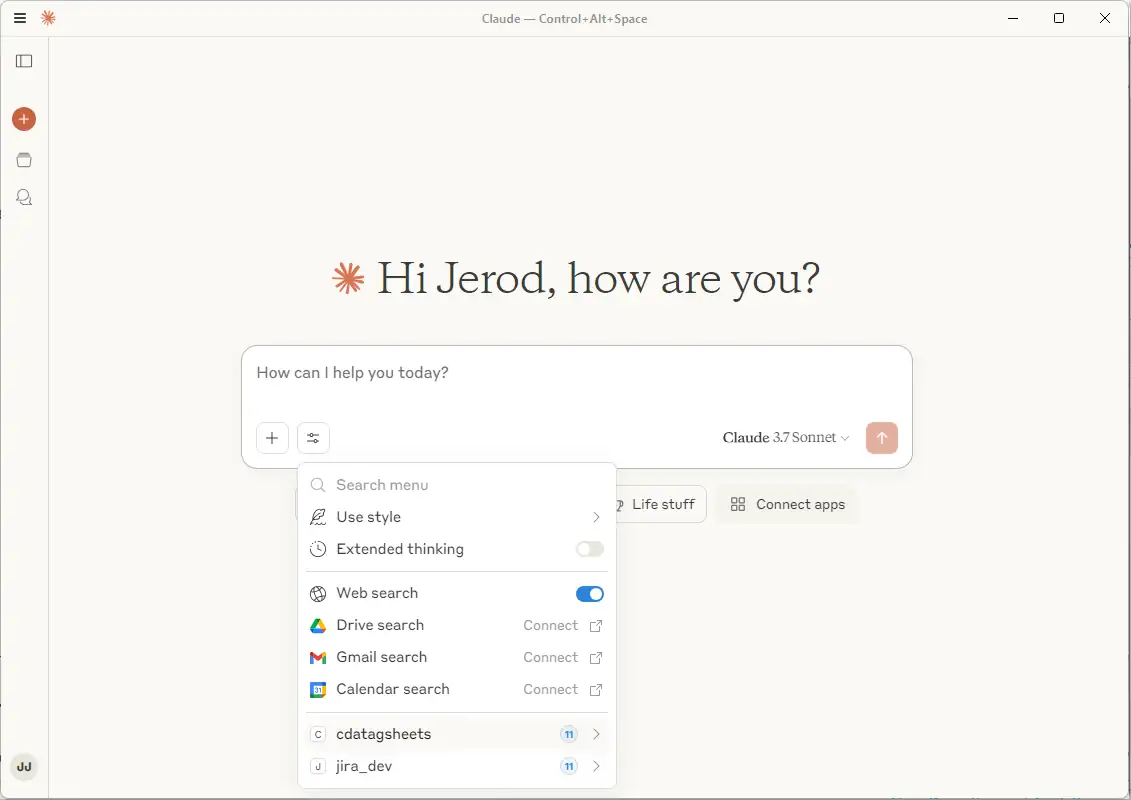
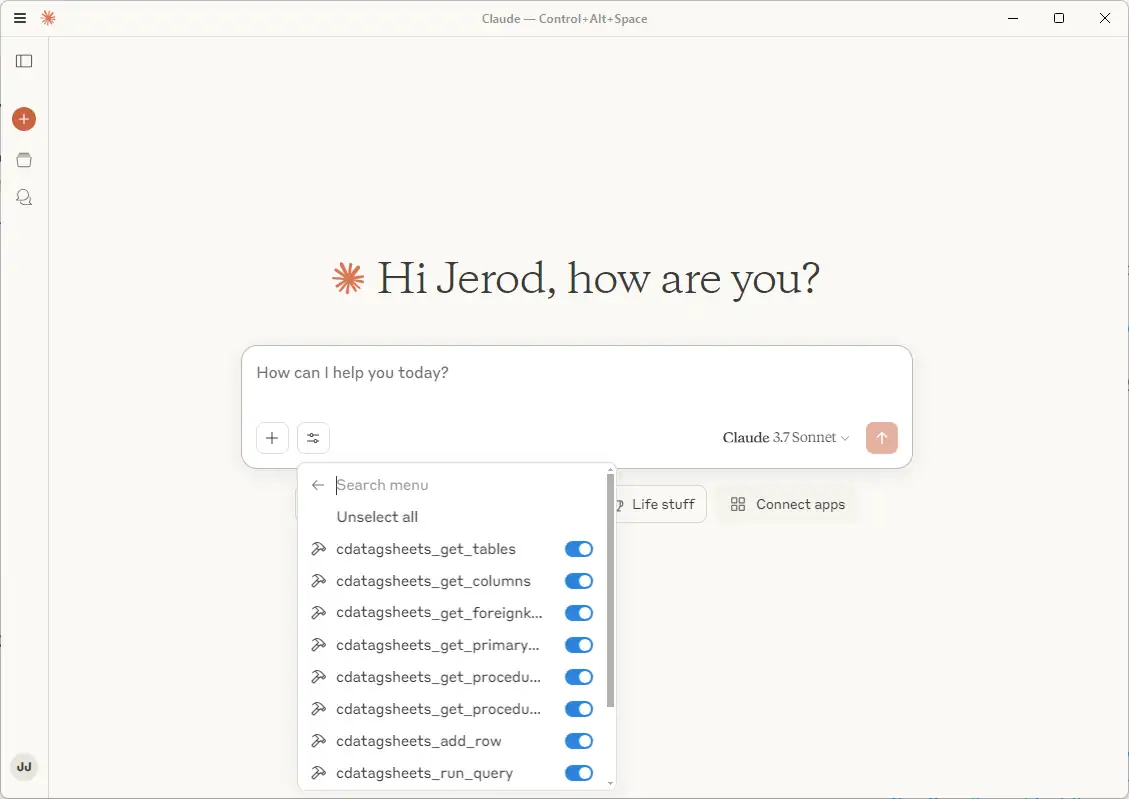
You can individually enable and disable specific tools by clicking on the server name.
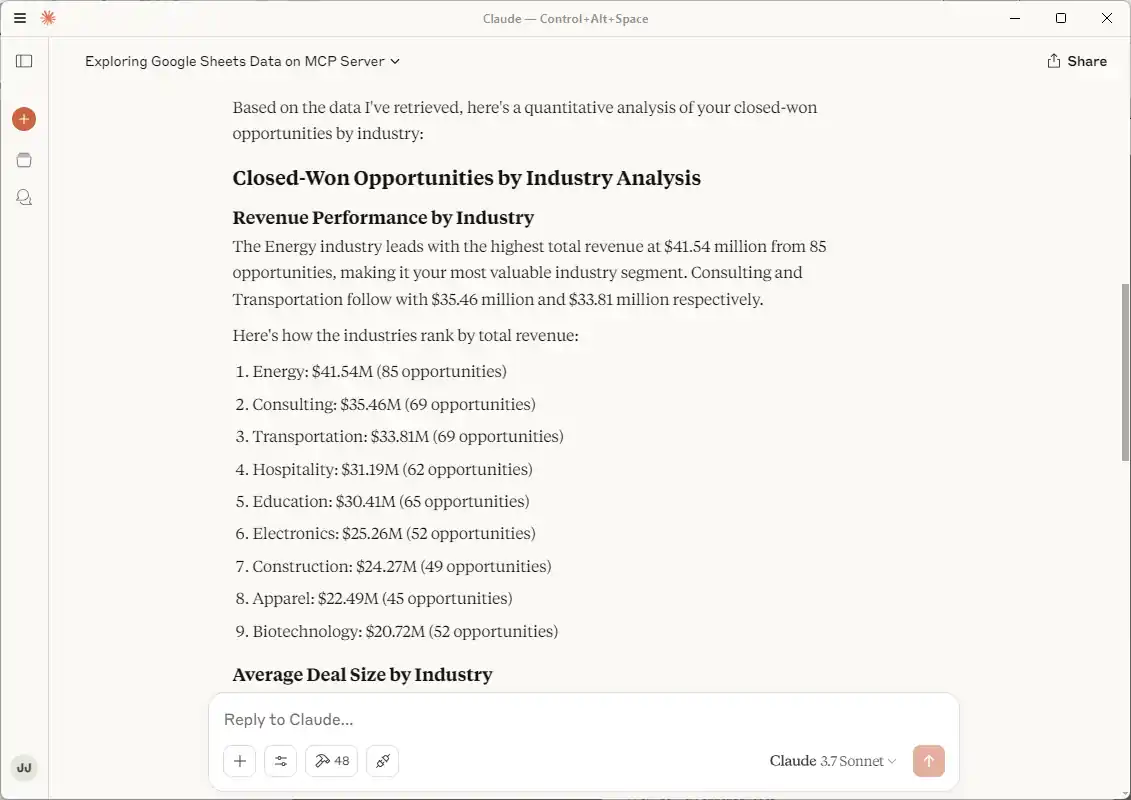
- Now that you have connected, you can ask Claude questions about the Google Search results. For example: "Can you give me a quantitative analysis about my closed-won opportunities by industry?"
NOTE: Claude may need to explore the Google Search results to make sense of it before it can begin answering questions of the data. The tabular model presented by CData alongside the database tools available simplify the data exploration and analysis for an LLM.
Connect your AI to your data today!
CData MCP Servers make it easier than ever for LLMs to work with live enterprise data. To explore the technology hands-on, download a free, 30-day trial or visit the CData Community to share insights, ask questions, and help shape the future of enterprise-ready AI.
はじめる準備はできましたか?
Google Search MCP Server の無料トライアルをダウンロード:
ダウンロード詳細:
 Google Search MCP Server
お問い合わせ
Google Search MCP Server
お問い合わせ
The CData MCP Server for Google Search allows you to connect with live Google Search data, directly from LLMs that support MCP.