





【MCP Server】Amazon S3 × Claude Desktop 連携ガイド | AI でデータを徹底活用

Model Context Protocol (MCP) is an emerging, open-source standard for connecting LLMs with external services and data sources. Through MCP Servers, AI clients can perform actions like opening Jira tickets, posting Slack messages, committing GitHub branches and more. With CData MCP Servers, these capabilities expand exponentially.
In this article, we guide the reader through installing the CData MCP Server for Amazon S3, configuring the connection to Amazon S3, and asking questions of the data in Claude Desktop.
Prerequisites
You need to download Claude Desktop (download) and create an account before continuing.
Overview
Here's a quick overview of the steps:
- Download and install the CData MCP Server for Amazon S3
- Configure the connection to Amazon S3
- Ask questions about the data in Claude Desktop
Step 1: Download and install the CData MCP Server
- To begin, navigate to https://www.cdata.com/solutions/mcp/connectors and download the CData MCP Server for Amazon S3.
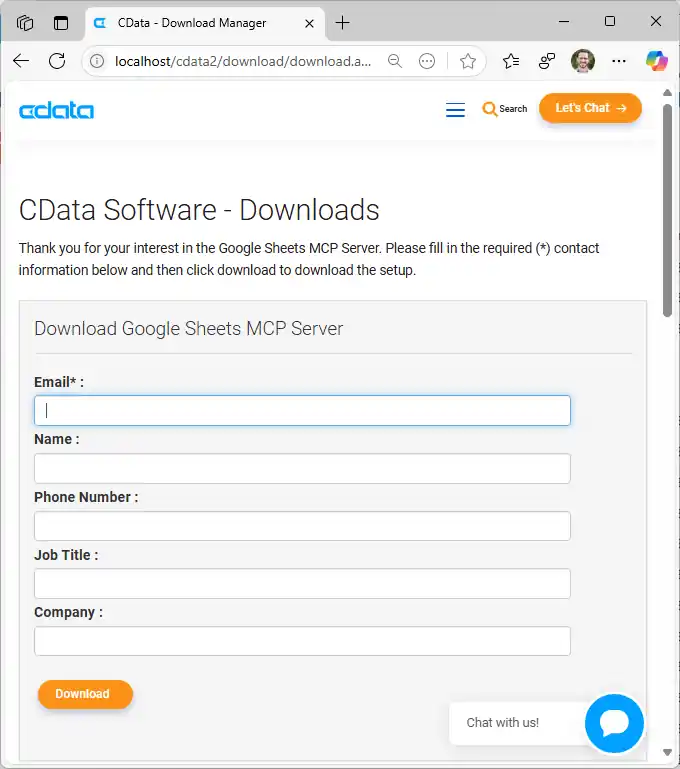
- Find and double-click the installer to begin the installation.
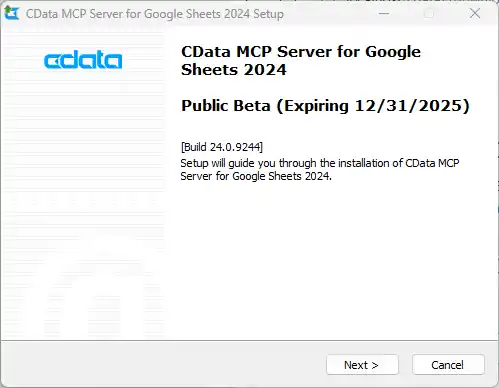
- Follow the prompts to complete the installation.
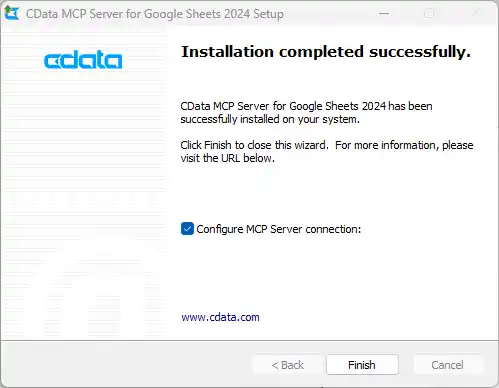
When the installation is complete, you are ready to configure your MCP Server by connecting to Amazon S3.
Step 2: Configure the connection to Amazon S3
- After installation, the CData MCP Server configuration wizard should open automatically.
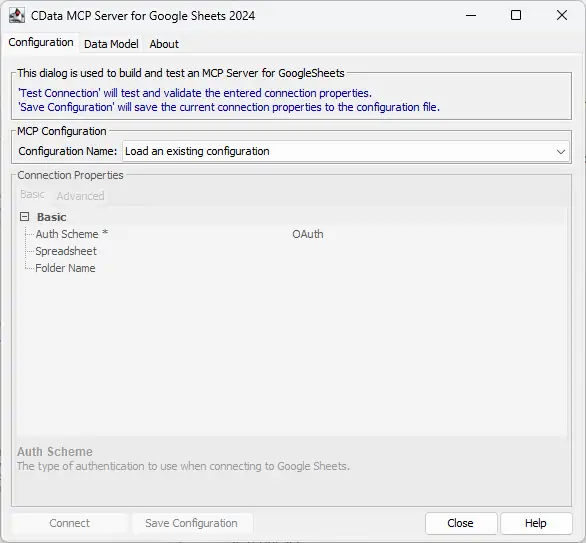
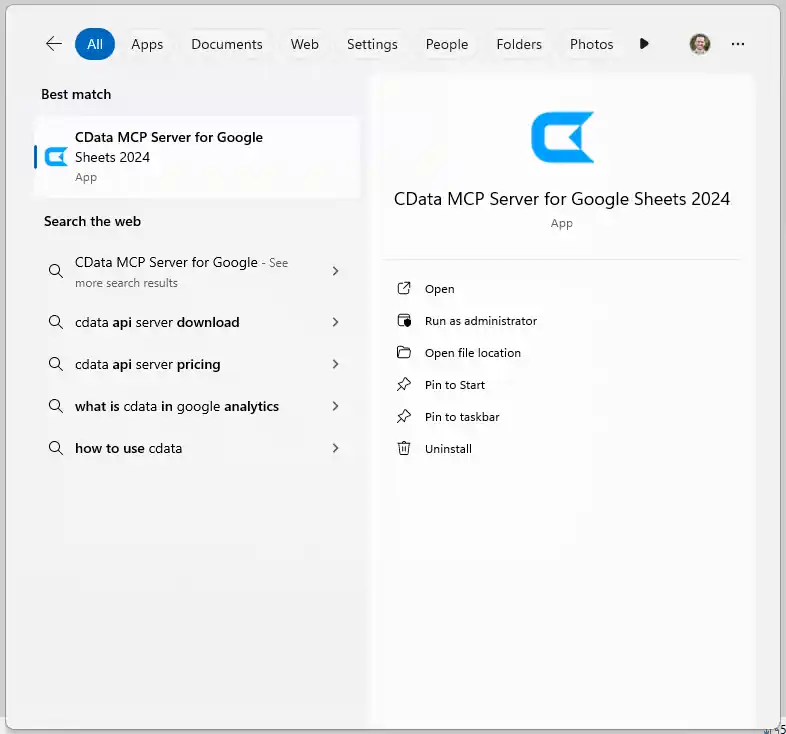
NOTE: If the wizard does not open automatically, search for "CData MCP Server" in the Windows search bar and double-click the application.
- Click the dropdown menu in MCP Configuration > Configuration Name and select "
" 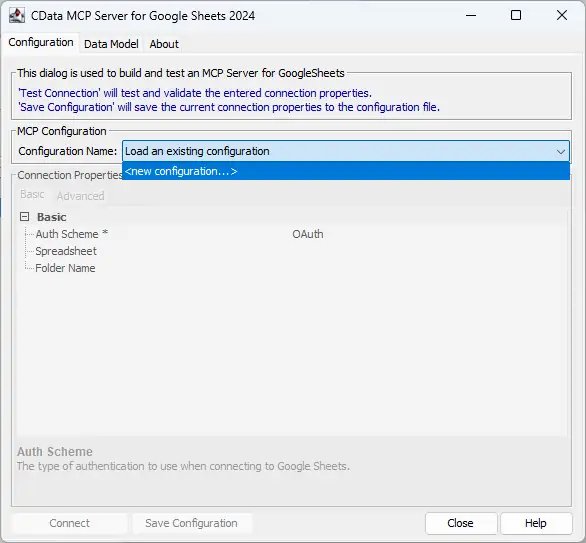
- Name the configuration (e.g. "cdataamazons3") and click "OK."
NOTE: This name is used as the name for the MCP server and as the prefix for all of the MCP Server's tools.

Connecting to Amazon S3
Amazon S3 リクエストを認可するには、管理者アカウントまたはカスタム権限を持つIAM ユーザーの認証情報を入力します。AccessKey をアクセスキーID に設定します。SecretKey をシークレットアクセスキーに設定します。
Note: AWS アカウント管理者として接続できますが、AWS サービスにアクセスするにはIAM ユーザー認証情報を使用することをお勧めします。
尚、CData 製品はAmazon S3 のファイルの一覧表示やユーザー管理情報の取得用です。S3 に保管されているExcel、CSV、JSON などのファイル内のデータを読み込みたい場合には、Excel Driver、CSV Driver、JSON Driver をご利用ください。
アクセスキーの取得
IAM ユーザーの資格情報を取得するには:
- IAM コンソールにサインインします。
- ナビゲーションペインで「ユーザー」を選択します。
- ユーザーのアクセスキーを作成または管理するには、ユーザーを選択してから「セキュリティ認証情報」タブを選択します。
AWS ルートアカウントの資格情報を取得するには:
- ルートアカウントの資格情報を使用してAWS 管理コンソールにサインインします。
- アカウント名または番号を選択し、表示されたメニューで「My Security Credentials」を選択します。
- 「Continue to Security Credentials」をクリックし、「Access Keys」セクションを展開して、ルートアカウントのアクセスキーを管理または作成します。
AWS ロールとして認証
多くの場合、認証にはAWS ルートユーザーのダイレクトなセキュリティ認証情報ではなく、IAM ロールを使用することをお勧めします。RoleARN を指定することでAWS ロールを代わりに使用できます。これにより、CData 製品は指定されたロールの資格情報を取得しようと試みます。
(すでにEC2 インスタンスなどで接続されているのではなく)AWS に接続している場合は、ロールを引き受けるIAM ユーザーのAccessKey とSecretKey を追加で指定する必要があります。AWS ルートユーザーのAccessKey および SecretKey を指定する場合、ロールは使用できません。
SSO 認証
SSO 認証を必要とするユーザーおよびロールには、RoleARN およびPrincipalArn 接続プロパティを指定してください。各Identity Provider に固有のSSOProperties を指定し、AccessKey とSecretKey を空のままにする必要があります。これにより、CData 製品は一時的な認証資格情報を取得するために、リクエストでSSO 認証情報を送信します。
Enter the appropriate connection properties in the configuration wizard.
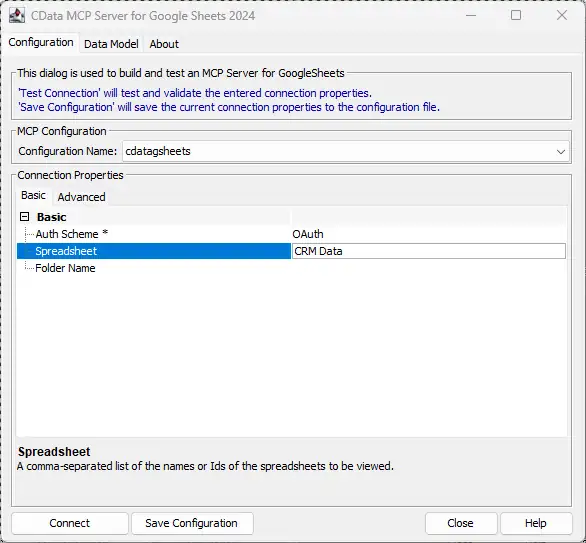
- Click "Connect" to authenticate with Amazon S3.
- Finally, click "Save Configuration" to save the MCP server.
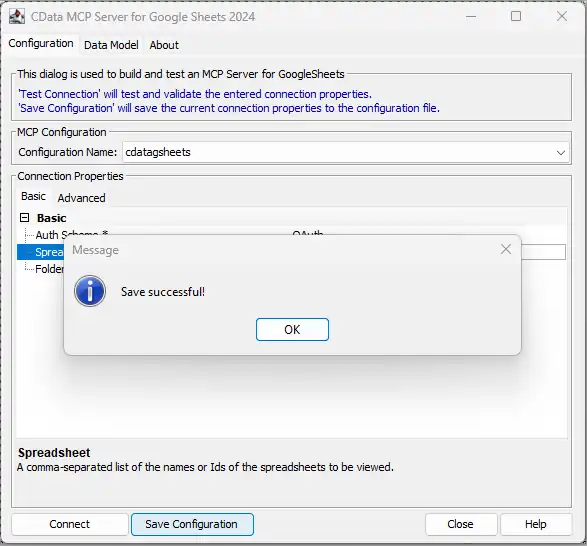
NOTE: This saves the configuration details to a separate file and updates the Claude Desktop configuration file (claude_desktop_config.json) to start the CData MCP Server when the Claude Desktop client starts.
With the CData MCP Server configured, you are ready to start asking questions of your live data from Claude.
Step 3: Ask AI for answers from live Amazon S3 のデータ
Now that we have installed the CData MCP Server and configured a connection, we are ready to start with Amazon S3 のデータ in Claude Desktop.
- Open Claude Desktop. It may take a moment for the MCP Servers to start, but you will see the list of servers and tools available in the Claude interface (look for the settings icon below the prompt bar).
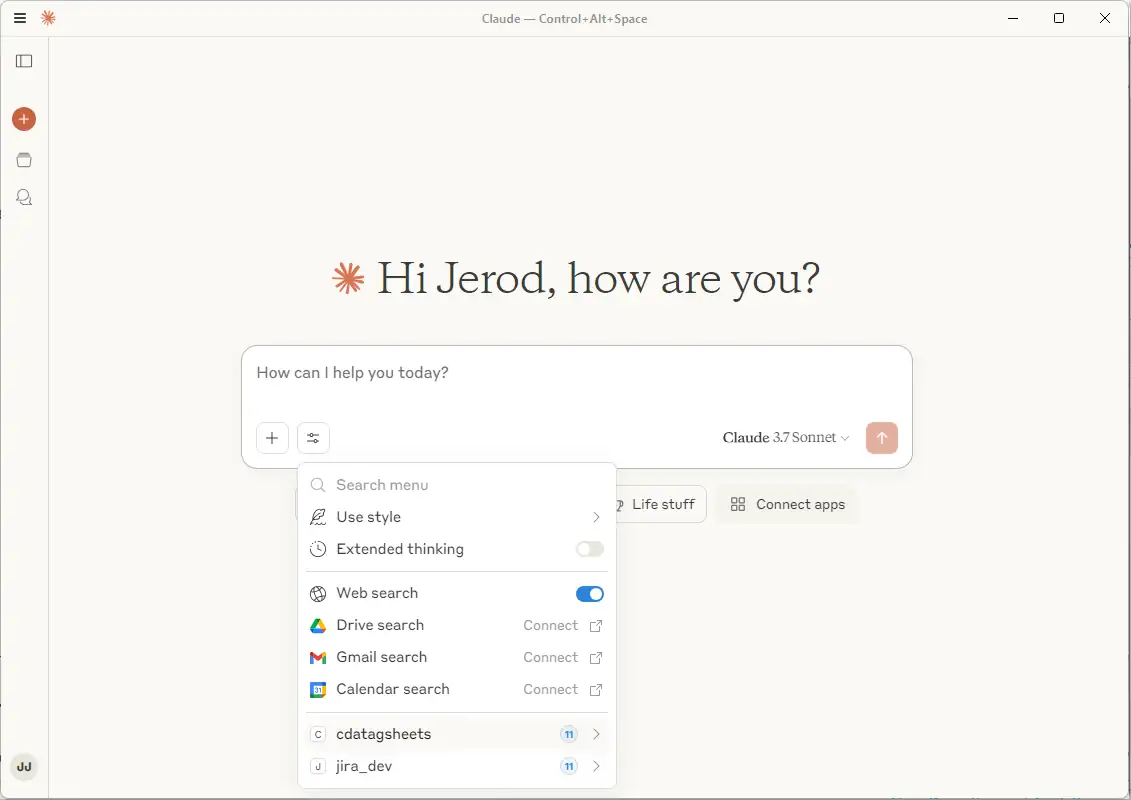
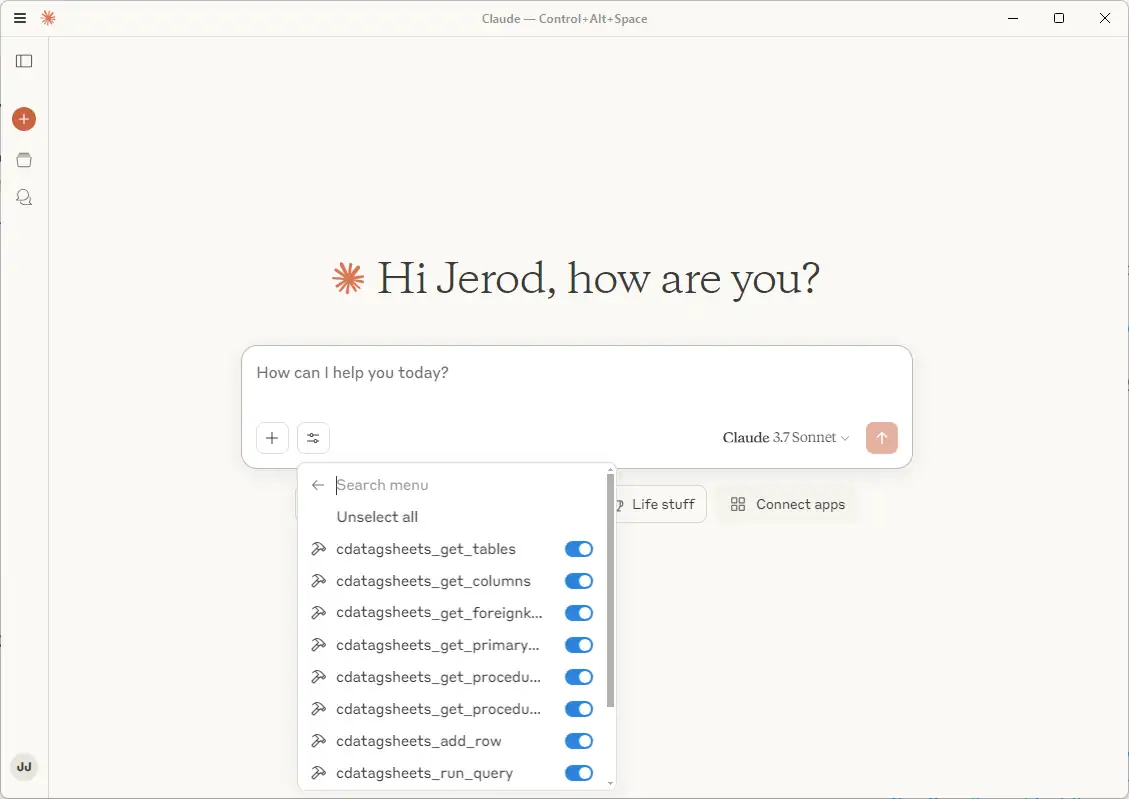
You can individually enable and disable specific tools by clicking on the server name.
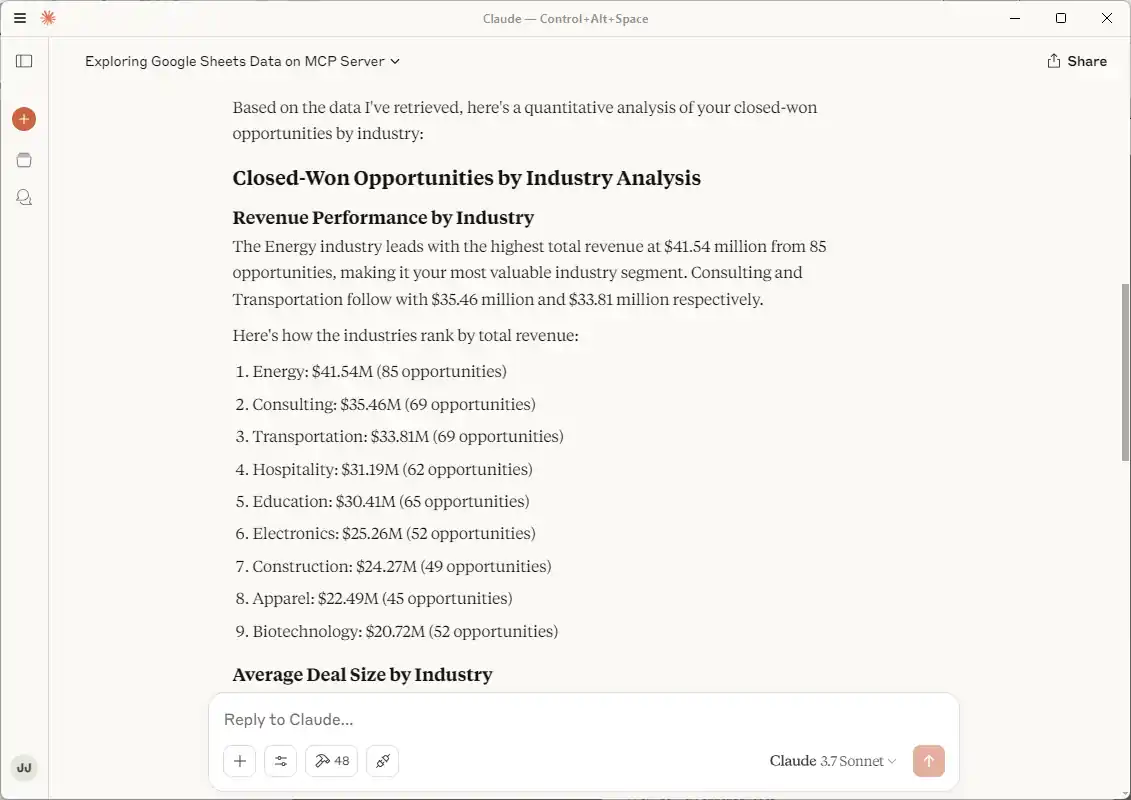
- Now that you have connected, you can ask Claude questions about the Amazon S3 のデータ. For example: "Can you give me a quantitative analysis about my closed-won opportunities by industry?"
NOTE: Claude may need to explore the Amazon S3 のデータ to make sense of it before it can begin answering questions of the data. The tabular model presented by CData alongside the database tools available simplify the data exploration and analysis for an LLM.
Connect your AI to your data today!
CData MCP Servers make it easier than ever for LLMs to work with live enterprise data. To explore the technology hands-on, download a free, 30-day trial or visit the CData Community to share insights, ask questions, and help shape the future of enterprise-ready AI.
はじめる準備はできましたか?
Amazon S3 MCP Server の無料トライアルをダウンロード:
ダウンロード詳細:
 Amazon S3 MCP Server
お問い合わせ
Amazon S3 MCP Server
お問い合わせ
The CData MCP Server for Amazon S3 allows you to connect with live Amazon S3 data, directly from LLMs that support MCP.