





Connect Google Sheets to GitHub
Read, Write, and Update GitHub Data from Google Sheets
Connect with live GitHub data directly from Google Sheets. The free Google Sheets Add-On gives you real-time access to GitHub data, right from your Google Spreadsheets.
Install the Add-On, configure your GitHub connection, and go!
Get The Google Sheets Add-On Now
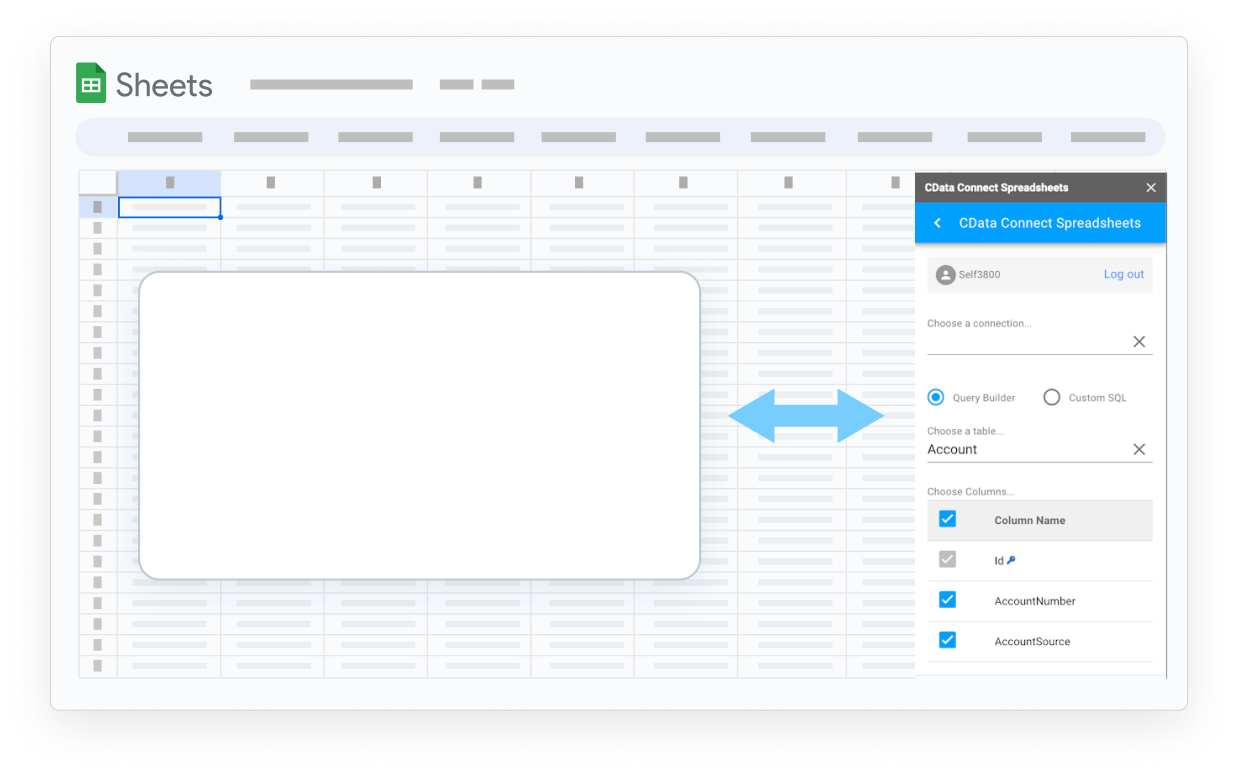

Discover What's Possible with Your GitHub Data in Google Sheets

Say Farewell to Copy/Paste
Real-time, seamless access to data removes the burden of manual data entry in Google Sheets.
Never Rely on Stale Data
Work with live data in Google Sheets to create up-to-date reports.

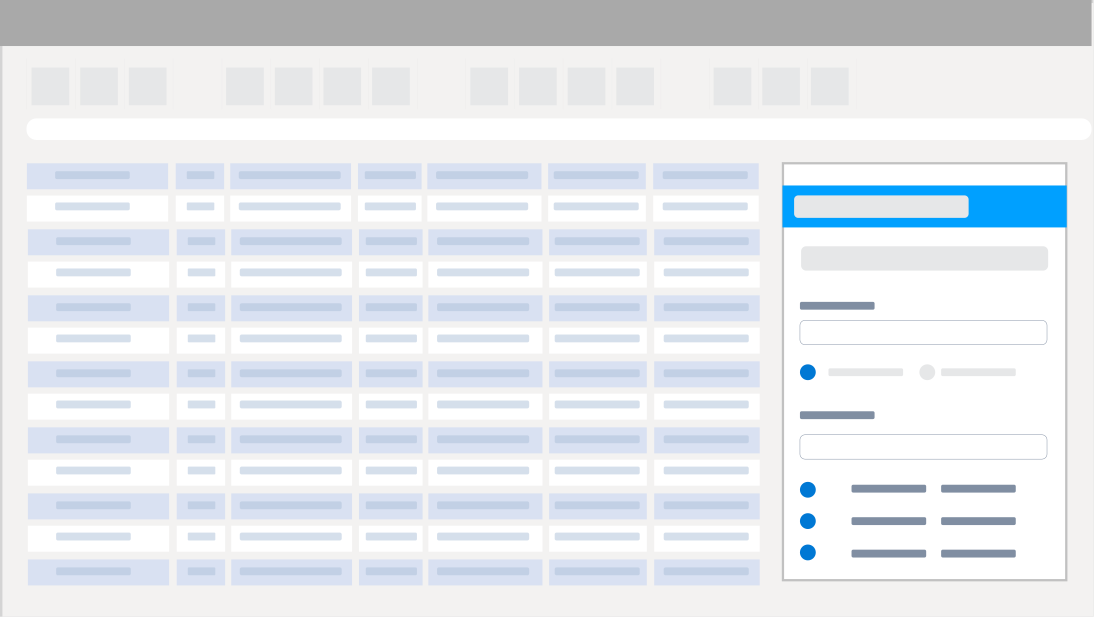
Point and Click Configuration
Integrate data and manage connections with no code or special skills required.

Secure Access
Securely govern your data with specific user permissions and built-in TLS / SSL data encryption.
Real-Time Access to GitHub Data from Google Sheets
Get Started with GitHub in 3 Simple Steps:
- Install the Google Sheets Add-On - After installation look for Connect Spreadsheets from the Extensions drop-down menu.
- Configure your GitHub Connection - Click on Open Connect Spreadsheets from within Google Sheets to setup an account and configure a connection to GitHub.
- Run your first query - Select any GitHub data that you want to access. All data is exposed as standard tables and data views. You can even write custom queries with SQL to filter and join data.
Automate Your Workflow
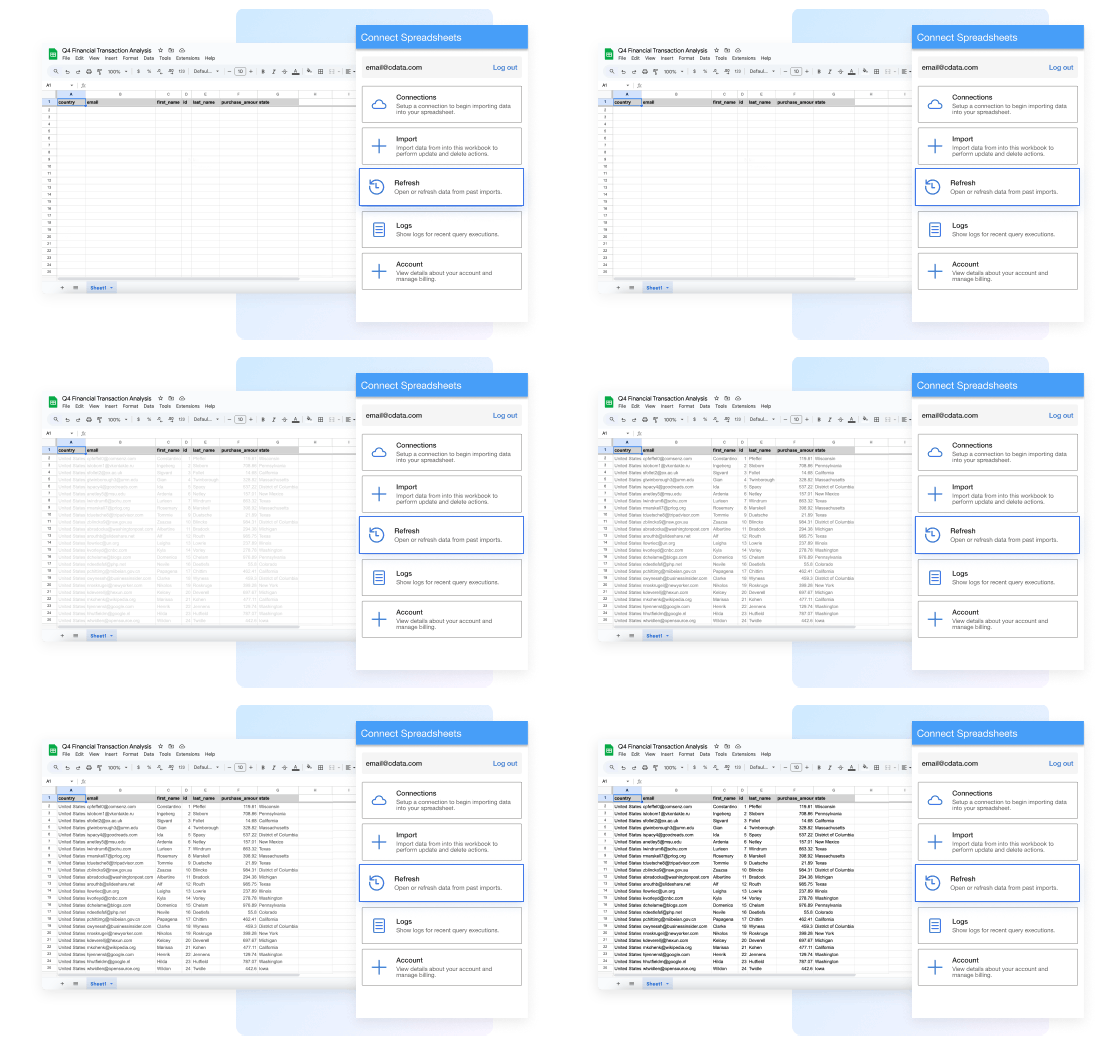
Spend less time copying, pasting, and importing data. Build custom reports and dashboards with automatic refreshes (hourly, daily, weekly, monthly) for real-time insights.
Bring Data to Life in Google Sheets
Bring your GitHub data into Google Sheets for up-to-date insights with Connect Spreadsheets. Easily combine that information with data from other sources in Google Sheets to form a complete picture of the customer journey.

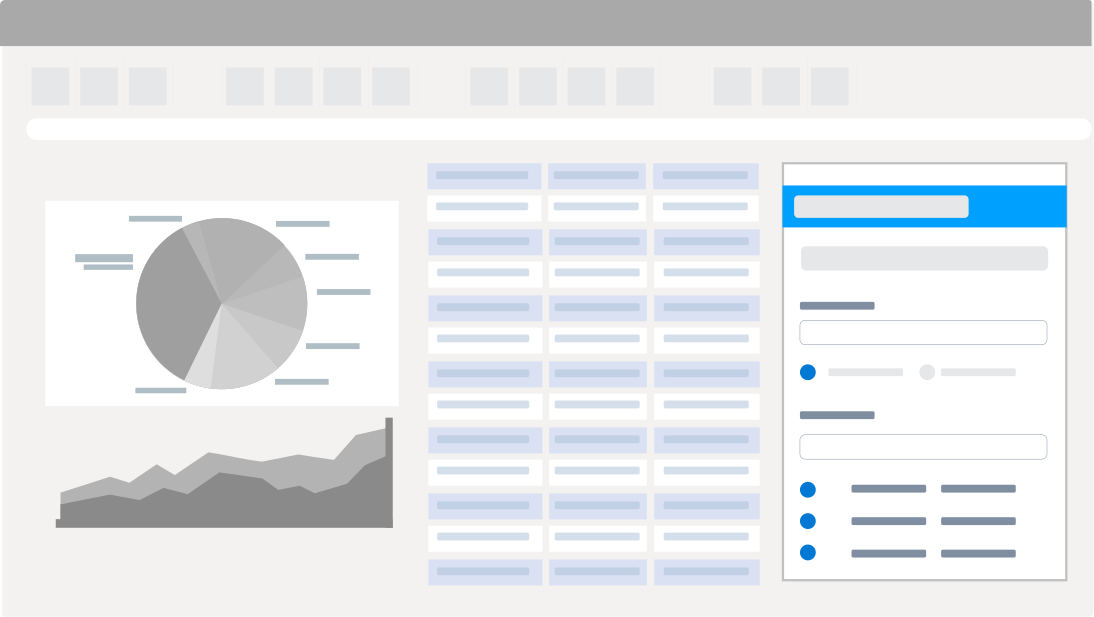
GitHub Reporting, Analysis, & Data Manipulation
Perfect for mass imports / exports / updates, data cleansing & de-duplication, Google Sheets based data analysis, and more!
- Modify and delete records and push updates back to GitHub
- Quickly export and backup data.
- Operate on data with Charts and Pivot Tables.
Frequent GitHub Google Sheets Connectivity questions
Common questions about integrating GitHub with Google Sheets.
GitHub を Google Sheets に接続するにはどうすればよいですか?
GitHub と Google Sheets を統合する最良の方法は、CData Connect Spreadsheets Google Sheets 拡張機能を使用することです。 GitHub Google Sheets コネクタは、簡単な GitHub Google Sheets 統合を提供します。使いやすいクラウドインターフェースから GitHub への接続を設定し、スプレッドシートから直接 GitHub データにアクセスできます。
GitHub を Google Sheets にエクスポートできますか?
GitHub の Google Sheets へのエクスポート設定は過去のものです — 最新データを確保するためのダウンロードやコピー&ペーストはもう不要です。 CData Connect Spreadsheets Google Sheets 拡張機能は GitHub へのライブ直接接続を提供し、GitHub Google Sheets エクスポートを必要としません。代わりに、Google Sheets GitHub プラグインから更新ボタンをクリックするだけで、GitHub を Google Sheets に即座にダウンロードできます。さらに、GitHub から Google Sheets への自動エクスポートのために更新をスケジュールすることもでき、必要なときに Google Sheets レポートが常に最新の状態になります。
Google Sheets から GitHub データを編集できますか?
CData の統合により、Google Sheets から GitHub データへのライブの双方向アクセスが可能になります。スプレッドシートにライブデータを簡単に取り込み、変更を加え、 GitHub に更新をプッシュできます — Google Sheets を離れることなく。編集されたセルは ソースデータとの違いを示すために自動的にハイライトされます。準備ができたら、行を更新ボタンをクリックして 変更を同期します。
無料トライアルはありますか?
もちろんです。すべての CData 製品で無料トライアルをご利用いただけます。 CData Connect Spreadsheets Google Sheets アドオンの場合、すべてのアカウントは 無制限のProプランの 15 日間無料トライアルから始まります。Pro プランには、プラットフォームのすべての強力な機能と能力への無制限のアクセスが含まれます。 15 日間のトライアル期間後、製品を購入して Pro レベルを継続するオプションがあります。または、アカウントは自動的にForever-Freeプランにダウングレードされます。 無料プランは無期限で継続して使用できますが、クエリあたり 5,000 レコード、1 ユーザー、3 データソース、月間 50 クエリに制限されます。
今すぐトライアルを開始: 無料 GitHub Google Sheets アドオン。
Get the Google Sheets Add-On for GitHub
Building custom dashboards & reports that connect with live GitHub data has never been easier. Get the now, and get connected.
Get the Google Sheets Add-On Now!